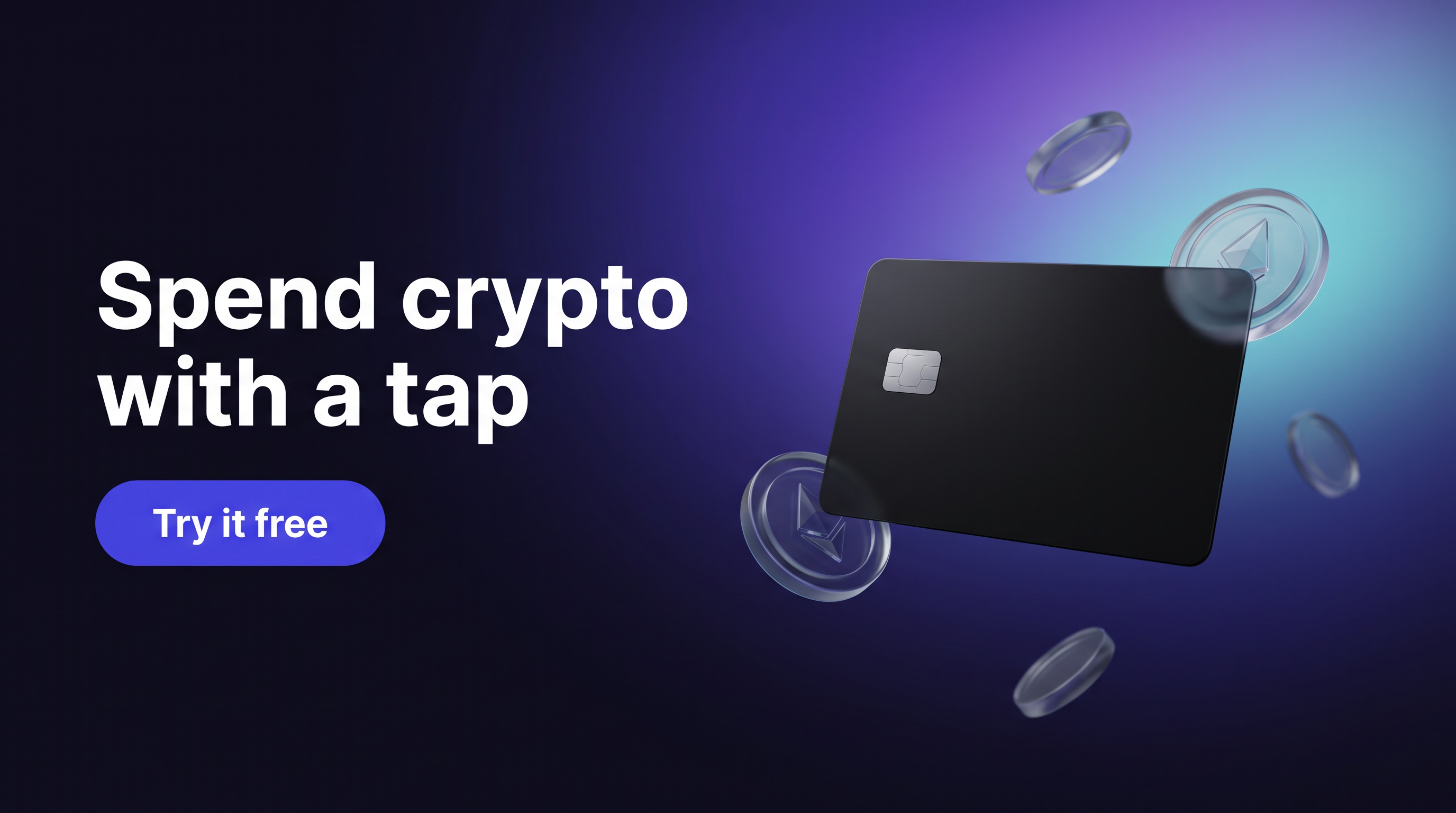
Though the X Card looks and feels like a large credit card (and yes, it fits comfortably in a wallet), its build quality is noticeably plastic-heavy compared to some metal-bodied competitors. That said, it’s quite slim and very lightweight, making it easy to carry discreetly.
My first impression: it's a wallet designed more for convenience than rugged, long-term durability. If you’re planning on heavy use in varied conditions, something like the Ellipal Titan overview might suit better.
Setup Process and User Experience
Setting up the Ellipal X Card involves generating a seed phrase directly on the device, which can be 12 or 24 words. This standard (BIP-39) recovery phrase creates your private keys and ultimately controls your funds.
I found the interface simple, guided by an LCD screen and physical buttons. However, the user experience feels basic, lacking the slick touch interfaces seen in other wallets like the Ellipal Titan setup. For first-time users, the step-by-step prompts are easy to follow, but some may wish for more detailed on-screen explanations.
A key part is the microSD card used for communication. You insert it into the X Card for exporting unsigned transactions and then transfer it to your phone (via an app) to capture and sign these transactions offline. This air-gapped signing method adds a layer of security but comes with a usability trade-off — it takes extra steps compared to plug-and-play USB models.
Security Architecture and Features
Security is where the Ellipal X Card tries to balance simplicity and cold-wallet integrity. A few highlights:
- Air-gapped signing: No USB, Bluetooth, or Wi-Fi connections. Transactions are transferred via microSD card alone, drastically reducing attack surfaces.
- Tamper-evident casing: The device is sealed to prevent tampering, and if broken, it alerts you visually.
- No secure element chip: Unlike some wallets that use dedicated secure element chips to protect private keys, the X Card lacks this hardware feature. That’s a meaningful trade-off for its design and price category.
So, is the lack of a secure element a deal-breaker? Personally, I think it depends on your threat model. For casual users serious about air-gapped security, this wallet offers strong benefits. But if you're highly risk-averse or holding massive sums, you might prefer a device with a secure element, like those explored in Ellipal Titan security.
Seed Phrase and Backup Options
The Ellipal X Card supports standard 12 and 24-word seed phrases under BIP-39 — the industry standard for crypto recovery phrases. This compatibility means you can restore your wallet on other compatible devices if needed.
Unfortunately, advanced backup methods like Shamir Backup (SLIP-39) aren’t supported here, which is not uncommon for wallets in this category.
Backing up your seed phrase is as important as ever. I usually recommend writing it down on a metal backup plate rather than paper for durability, an approach covered in the Ellipal Titan seed phrase guide. The X Card’s package includes a simple cardboard sheet, so investing in a metal solution is a smart move.
Using a passphrase (sometimes called the 25th word) can add an extra layer of security but also risks making recovery harder if you forget it. The X Card app supports passphrases, though this is a feature only advanced users should attempt.
Supported Coins and Compatibility
The Ellipal X Card cold wallet supports a broad range of cryptocurrencies, including Bitcoin, Ethereum, and popular tokens across major blockchains like Solana and Binance Smart Chain. The device covers most top coins and ERC-20 tokens you’d want to store.
I tested sending Bitcoin and Ethereum transactions with no hiccups. One slight annoyance was that some less common tokens require managing through the phone app rather than directly on the X Card itself.
Compatibility-wise, the wallet is designed to pair with the Ellipal mobile app (available for iOS and Android). This app handles transaction creation, balance display, and firmware updates.
For detailed token support, the Ellipal Titan supported coins guide provides a handy reference, and many assets overlap.
Connection Methods and Usability
The X Card is strictly air-gapped, meaning:
- No Bluetooth
- No USB or direct wired connections
- All data transfer happens via the included microSD card
There’s something elegant about this. It drastically reduces the risk of remote hacking and phishing attacks via Bluetooth or USB. On the flip side, it also slows down everyday use — transferring data back and forth takes time and extra attention.
In my testing, inserting and ejecting the microSD card repeatedly felt slightly cumbersome for quick trades or balance checks. Still, if you’re more of a long-term holder (hodler) who rarely sends funds, this is a reasonable compromise.
Some cold wallets offer wireless NFC or Bluetooth features for convenience, but these don’t come without risk, especially if your primary goal is maximum security.
Comparing Ellipal X Card vs Ellipal Titan
Curious how the Ellipal X Card stacks up against the Ellipal Titan? Here’s a feature breakdown:
| Feature |
Ellipal X Card |
Ellipal Titan |
| Form factor |
Credit card-sized, slim plastic |
Larger, metal & plastic ruggedized body |
| Secure element chip |
No |
Yes |
| Screen type |
Small LCD |
Large touch screen |
| Connectivity |
MicroSD card only (air-gapped) |
Fully air-gapped, QR code, no USB/Bluetooth |
| Supported coins |
Broad, growing list |
Very broad, supports many protocols and chains |
| Seed phrase options |
12 or 24 words |
12 or 24 words + passphrase support |
| Backup options |
Standard BIP-39 |
Supports passphrases / advanced options |
| Price & Portability |
Very portable, budget-friendly |
Bulkier, higher tier |
The decision often comes down to what you value more: the ultra-portable, budget-friendly X Card or the more advanced, durable Titan with a secure element and touchscreen. I’ve found that the Titan suits serious collectors or people who want a more feature-rich interface, while the X Card appeals to those valuing size and simplicity.
If you're interested, check out the full Ellipal Titan comparisons for deeper dives on features.
Limitations and Common Issues
No product is perfect, and the Ellipal X Card is no exception. Here are some points to consider:
- Plastic build quality: Feels less durable than competitors. Watch out for possible wear or damage over time.
- No secure element: While air-gapped, the lack of a secure chip can concern high-value holders.
- MicroSD card dependency: Losing the microSD card means you lose the only air-gapped data transfer method.
- Basic interface: The LCD and buttons are functional but uninspiring; some users might find operating it clunky.
- Firmware updates: Must be done via the microSD card and mobile app — slightly more complex than USB-based updates.
Common mistakes users make include buying from unofficial sellers, which risks supply chain tampering, or exposing seed phrases during setup. Warning signs of phishing attempts often come through fake apps mimicking Ellipal software, so always double-check URLs and app authenticity.
Final Thoughts and Recommendations
From my experience with the Ellipal X Card cold wallet, it’s a distinctive option for cold storage, especially for cryptocurrency holders who need a highly portable solution without sacrificing air-gapped security. It’s not perfect — the lack of a secure element chip and reliance on a microSD card for transaction transfer might give pause for some.
Is it right for you? If you prefer a wallet you can stash in a physical wallet or pocket, rarely move funds, and want to keep transactions offline without Bluetooth or USB risks, the X Card fits. On the other hand, those looking for a richer interface, more durable build, and secure element protection might want to explore options like the Ellipal Titan.
And yes, cold wallets come with responsibilities. Keep your recovery phrase safe. Remember that no hardware wallet is completely immune to all threats. Backups, secure storage, and cautious device handling will go a long way.
For setup details and step-by-step guides on configuring Ellipal devices, see Ellipal Titan setup and Ellipal Titan security. Interested in comparing features? Visit Ellipal Titan comparisons.
FAQ
Q: Can I recover my crypto if the Ellipal X Card breaks?
A: Yes. Since the recovery phrase follows BIP-39 standards, you can restore your wallet on any compatible device using that phrase.
Q: Is Bluetooth safe for hardware wallets?
A: Bluetooth adds convenience but introduces attack vectors, especially when paired with smartphones. The Ellipal X Card avoids this by using only a microSD card for offline transaction signing.
Q: What if the manufacturer goes out of business?
A: Your crypto is yours as long as you have your seed phrase. You can restore your funds on any compatible BIP-39 device or wallet.
Q: What about multi-signature setups?
A: The Ellipal X Card doesn't natively support multisig. More advanced setups likely require wallets designed with explicit multisig compatibility.
Q: Should I use a 12-word or 24-word seed phrase?
A: 24 words offer more entropy (security), but can be harder to back up. For larger balances, the 24-word phrase is recommended.
This impartial look at the Ellipal X Card cold wallet hopes to aid in making informed decisions. For further insights, consider our Ellipal Titan usage experience and Ellipal Titan firmware updates resources.
Happy, and secure, crypto storing!